
Cover private details in screenshots
Emails, keys, card and bank numbers get painted over before a screenshot leaves Paisted.
Turn it on in Settings › General, under Private details. It's off until you do.
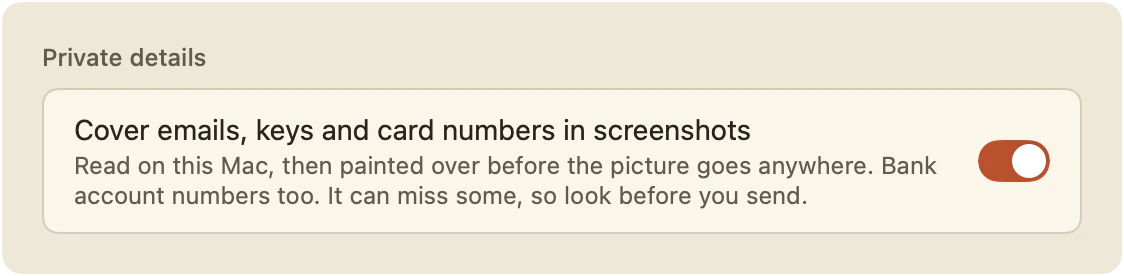
From then on, every screenshot is read on your Mac before it goes anywhere: an area, a window or the whole screen. What looks private is painted over in solid ink, the same way Hide works in markup. Your agent only ever gets the covered picture.
What it covers
| Email addresses | Like [email protected] |
| Card numbers | Only real-looking ones that pass the card checksum, so order numbers stay. |
| Bank account numbers | IBANs, checked the way banks check them. |
| Keys and tokens | API keys, access tokens and passwords in config lines, like sk_live_… or ghp_…. |
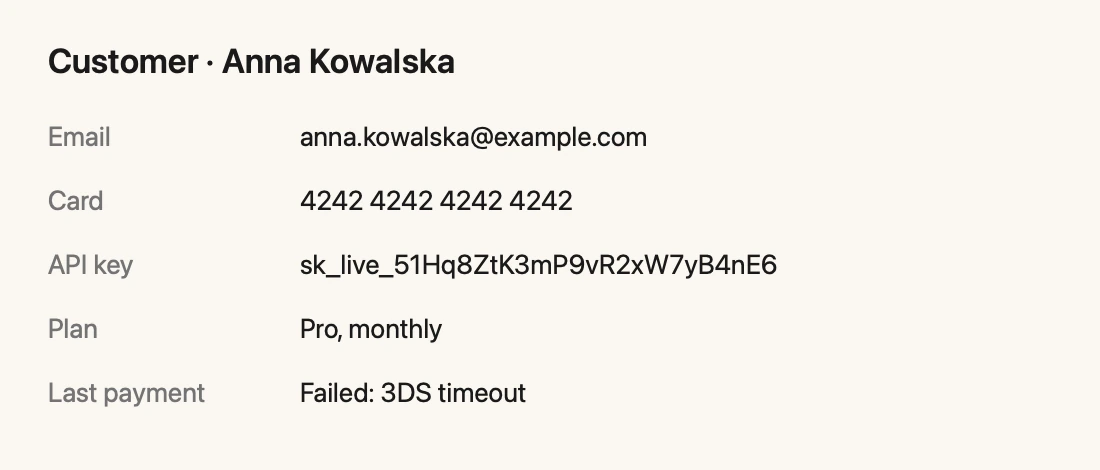
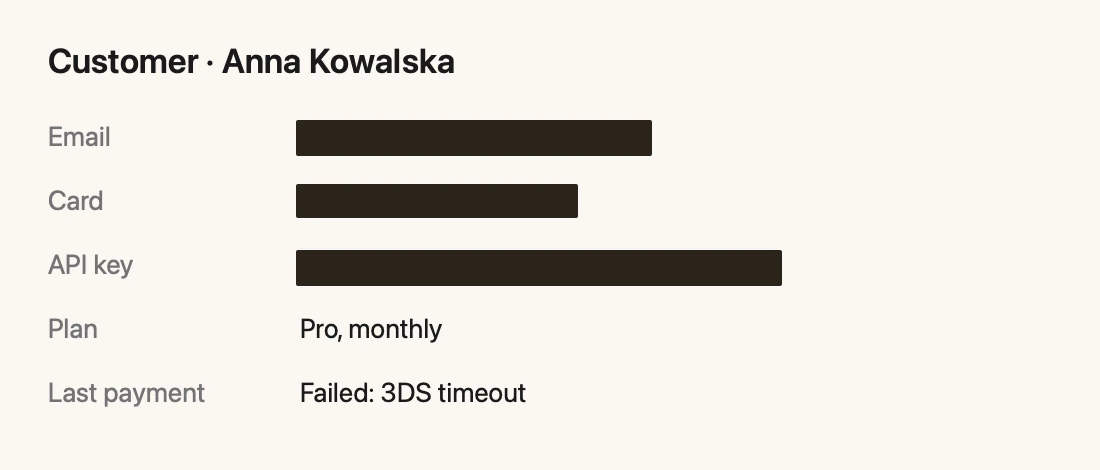
After the paste, the message in the corner says how many details were covered.
Look before you send
Reading a picture can miss things, like a key in a tiny font or an address split across two lines. If it matters, turn on Show a preview first for screenshots, check the picture, and use Mark up › Hide for anything left.
Names and phone numbers aren't covered. They appear in too many ordinary screenshots, like a chat or a calendar.
NextSend to any app