
Send several things at once
Collect a few screenshots, a bit of text and a file, then send them as one message.
- Press ⌘⇧1 and pick something with ⇧, like ⇧S for an area.
- On the bar, press + for Another capture. It waits in a small Waiting to send panel in the corner, and the Send list opens again.
- Pick the next thing. Press + again to keep adding.
- On the last one, press ↩. The bar says Send all, and everything goes in one message. Send all in the panel does the same.
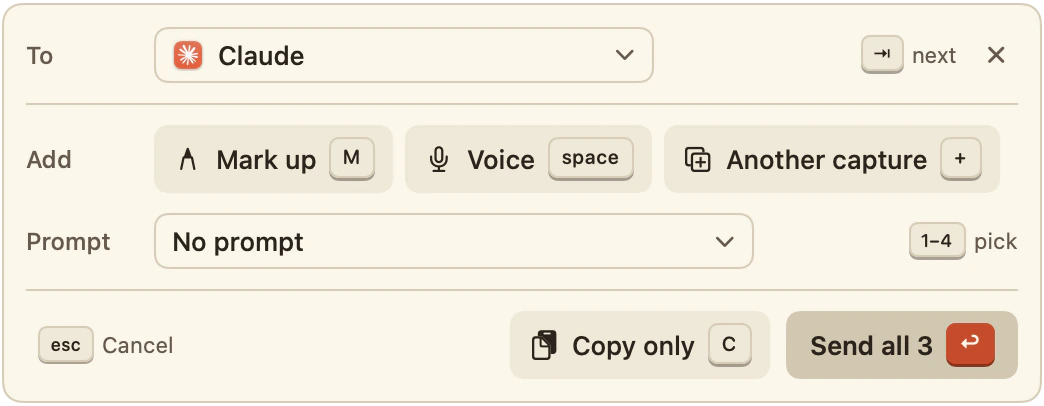
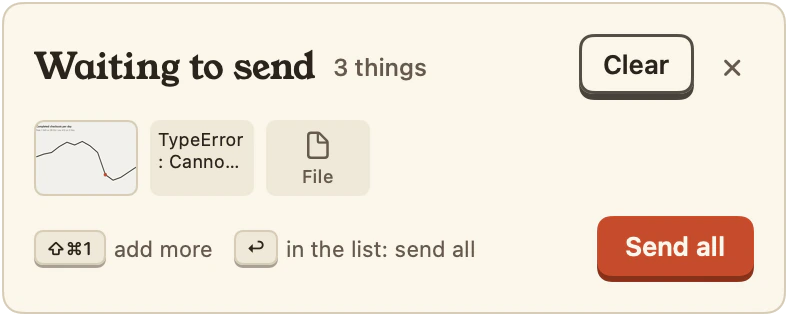
Youcollect two screenshots of the checkout with S, then the error text with T
Claude getsScreenshot Screenshot and the error as text, in one message
In what order it lands
Screenshots, recordings and files go in first, in the order you added them. All the text follows as one block, so your agent reads it as one message.
With your voice
On the last one, press space instead of ↩, then say what you want to know. Your words go in under everything else.
Clear in the panel throws away everything waiting, without sending anything.
NextMark up a screenshot