
Updates
Paisted checks for a new version once a day and asks before it installs anything.
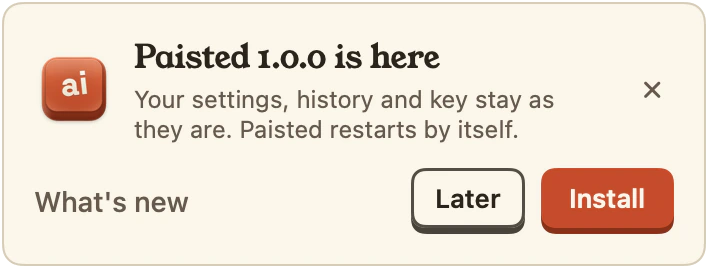
When there's a new version, a panel opens in the corner where Paisted's messages appear. Choose Install and Paisted downloads it, restarts and opens again. Your settings, history and key stay as they are. Later puts it off, and What's new shows what changed.
Check now
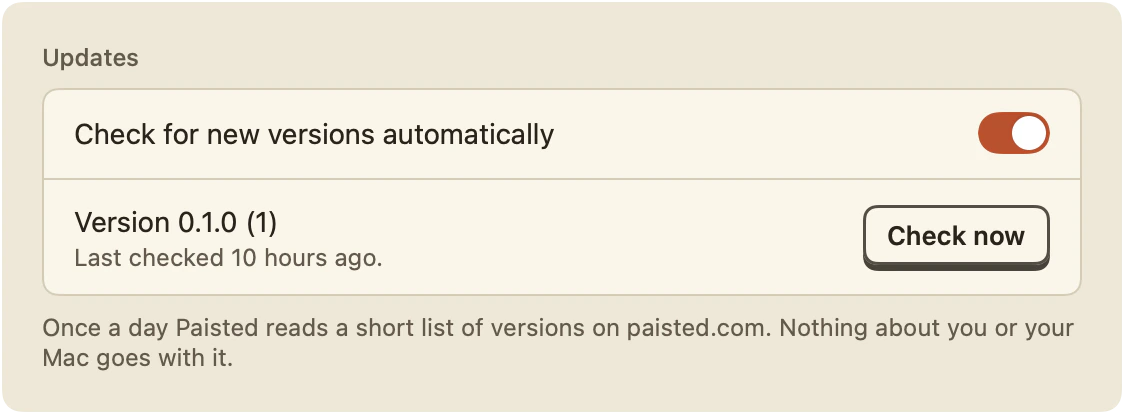
Choose Check for Updates… in the menu bar menu, or Check now in Settings › Help.
What goes online
Only the check itself: Paisted reads a short list of versions at paisted.com. Nothing about you, your Mac or what you send goes with it. Every update is signed, and Paisted won't install one that isn't signed by us.
Turn off Check for new versions automatically and Paisted only looks when you ask.
NextChoose where things go